אתם רק צריכים רגע לעצמכם
לא מבקשים הרבה; רק שעה שקטה. ואם מסך מאפשר את זה, בסדר. ואם כבר מסך, אז לפחות שיתרגלו וילמדו?

הופכים גלילה אינסופית לפעילות העשרתית.
כשהילדים מגיעים למגבלת זמן המסך, הם מרוויחים זמן דרך אתגרי למידה קצרים.



לא מבקשים הרבה; רק שעה שקטה. ואם מסך מאפשר את זה, בסדר. ואם כבר מסך, אז לפחות שיתרגלו וילמדו?

כל מה שהם אוהבים לצפות בו מתוכנן להמשיך למגנט אותם. רוב התוכן לא תואם גיל, ובלי שאנחנו שמים לב זה מפריע להתפתחות הקוגניטיבית שלהם.

Squize משתמש באותו הדחף, הריגוש, הצורך להמשיך, ומפנה אותו לתרגול ופיתוח כישורי פתרון בעיות. אם הם רוצים להמשיך לשחק, הם צריכים להרוויח את זה.

בוחרים אפליקציות. קובעים תקציב זמנים. בוחרים את התחומים שרוצים שיתרגלו: שפה, מתמטיקה, לוגיקה, וזהו!

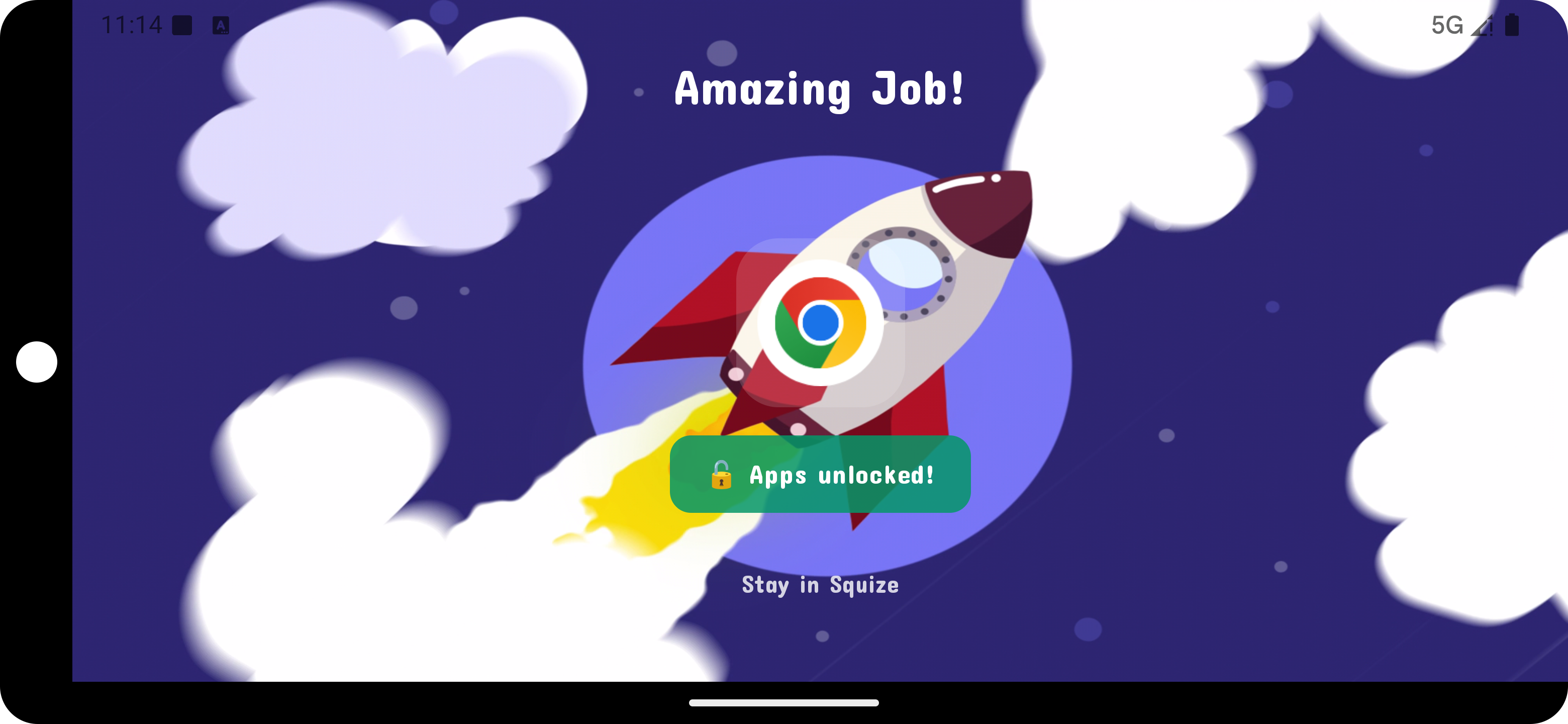
ברגע שהזמן שהוגדר לאפליקציה עבר, האפליקציה ננעלת. בלי "עוד חמש דקות".

סדרה של אתגרים צבעוניים ומותאמי גיל עומדת בין הילדים לאפליקציות האהובות עליהם.

האפליקציות חוזרות. הכישורים מצטברים.
אתם עוקבים אחרי
ההתקדמות האמיתית, ולכולם נשאר עוד קצת אחר צהריים.
בוחרים TikTok, YouTube, Roblox, Chrome, או כל דבר אחר שמעלים את מאחר הצהריים, וקובעים תקציב זמנים.
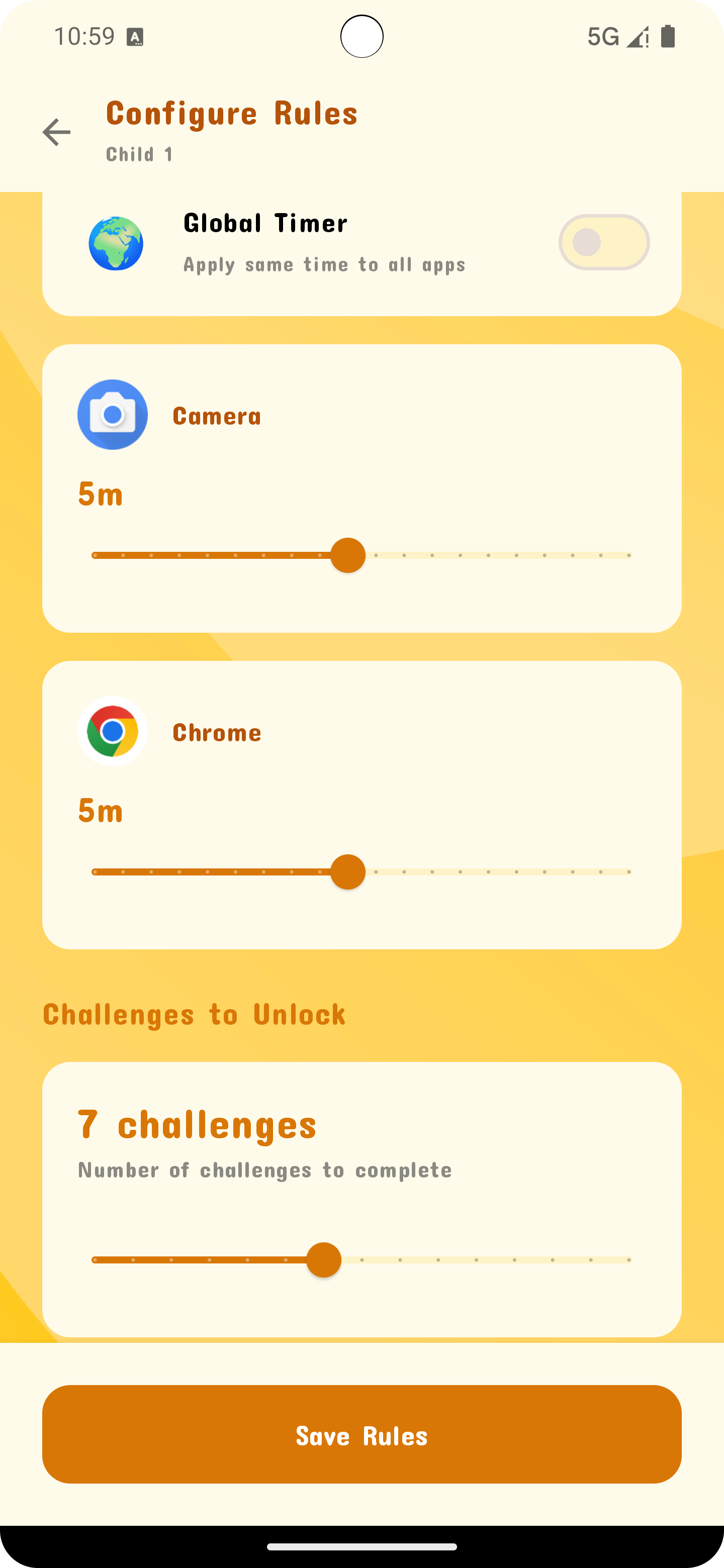
Squize רץ ברקע בשקט. בלי נדנוד, בלי פופ-אפים.

כשהתקציב מגיע לאפס, האפליקציה במעקב מעבירה בצורה חלקה לאתגר
Squize.
אין דרך לעקוף.
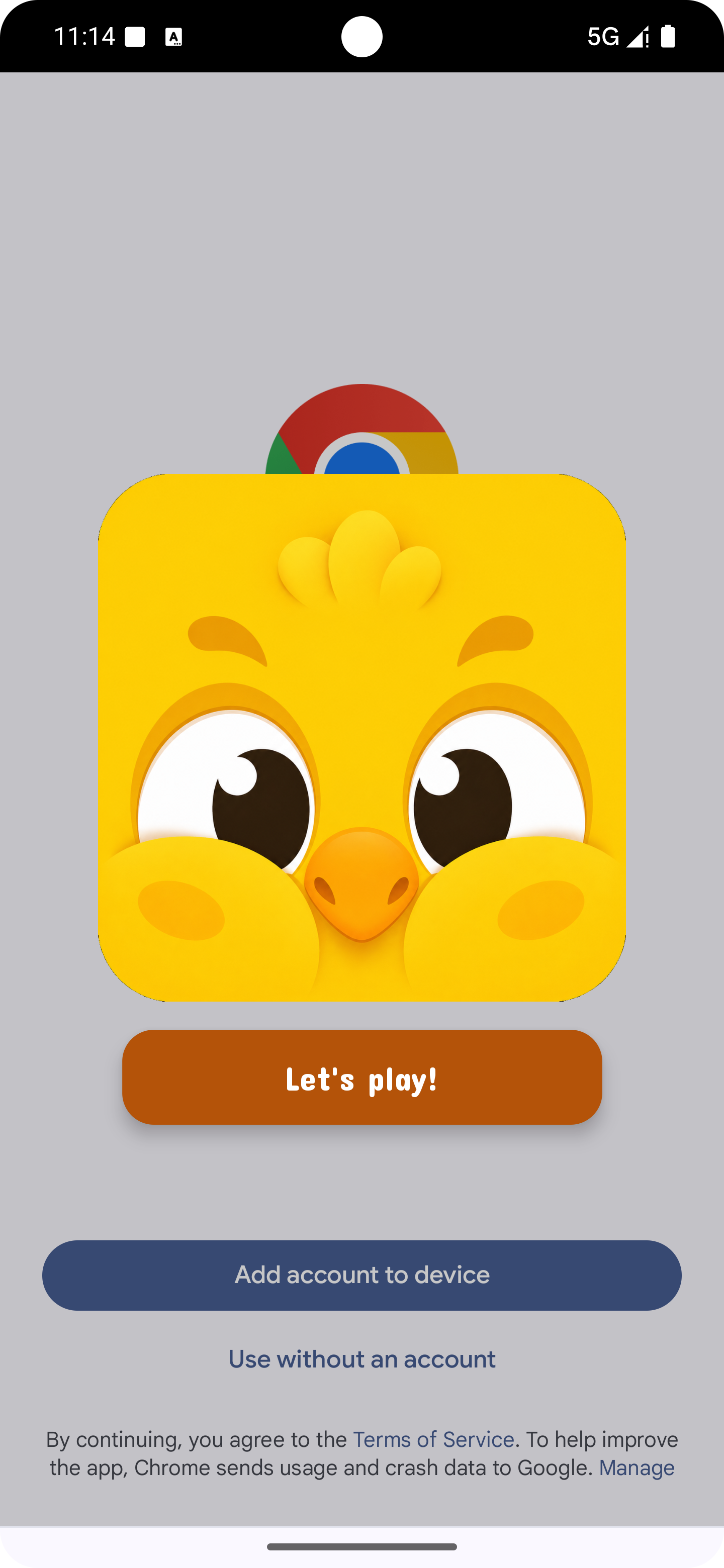
משחקי שפה, מתמטיקה, לוגיקה וכישורי חיים מותאמי גיל. עונים נכון, והאפליקציות חוזרות.
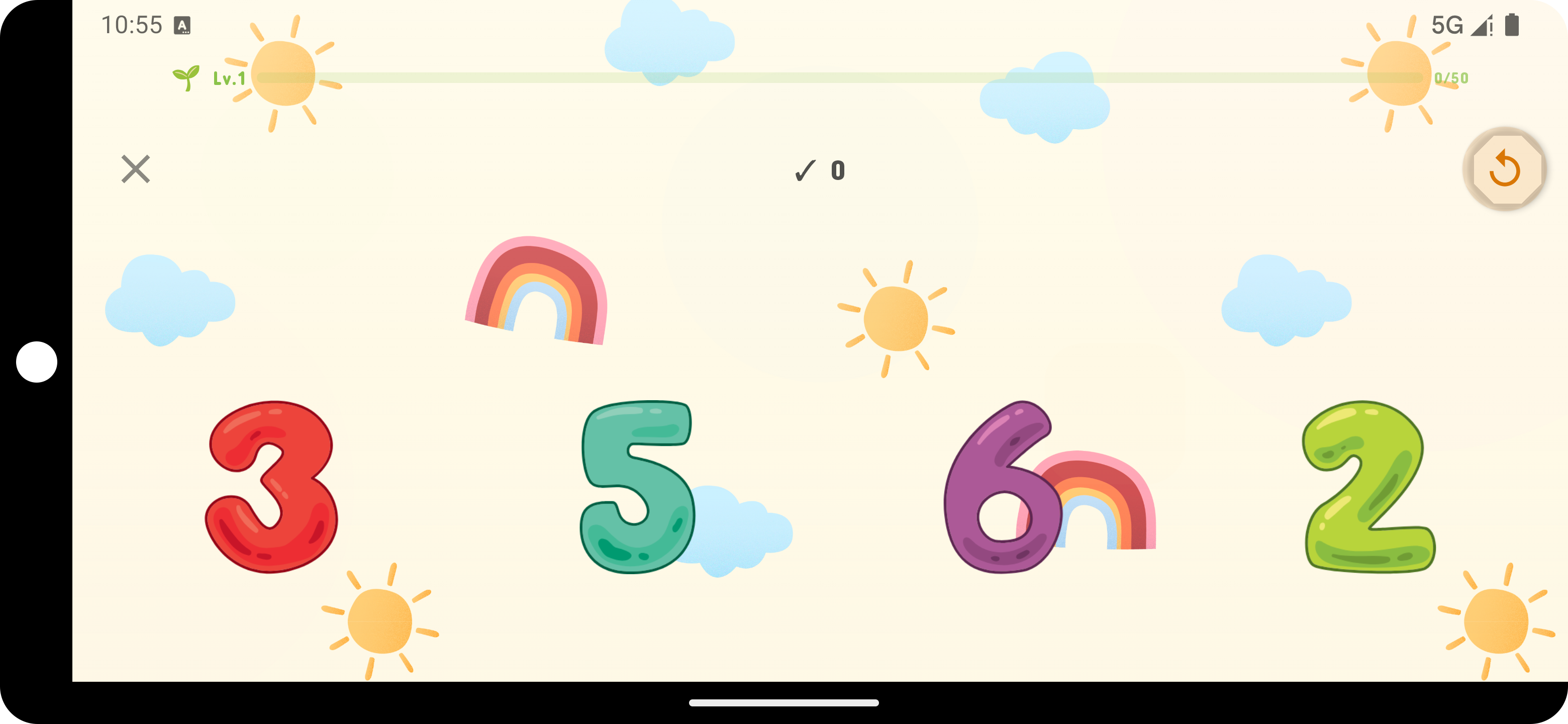
מאות אתגרים בשפה, מתמטיקה, לוגיקה וכישורי חיים, מתפתחים עם כל גיל.
מספרים
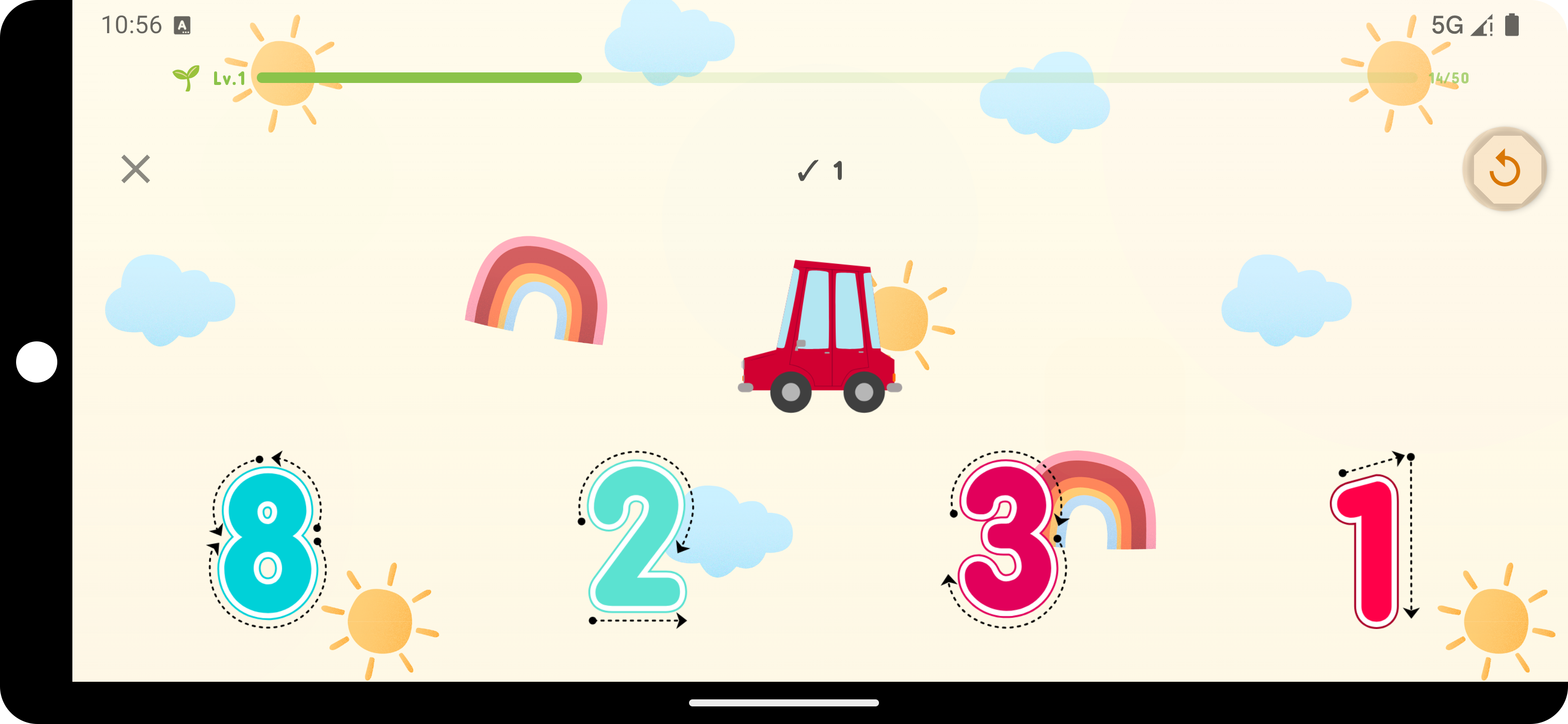 עקיבה
עקיבה
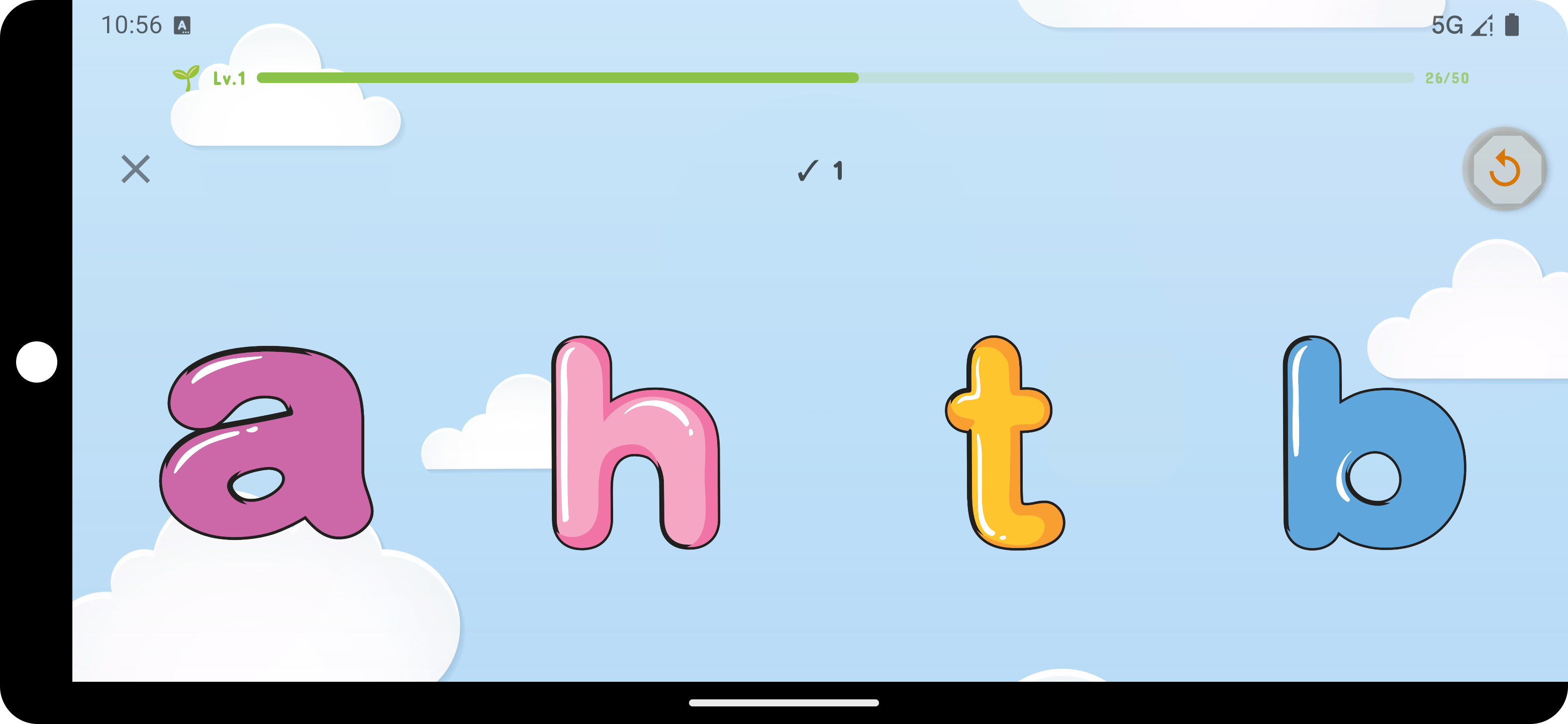 אותיות
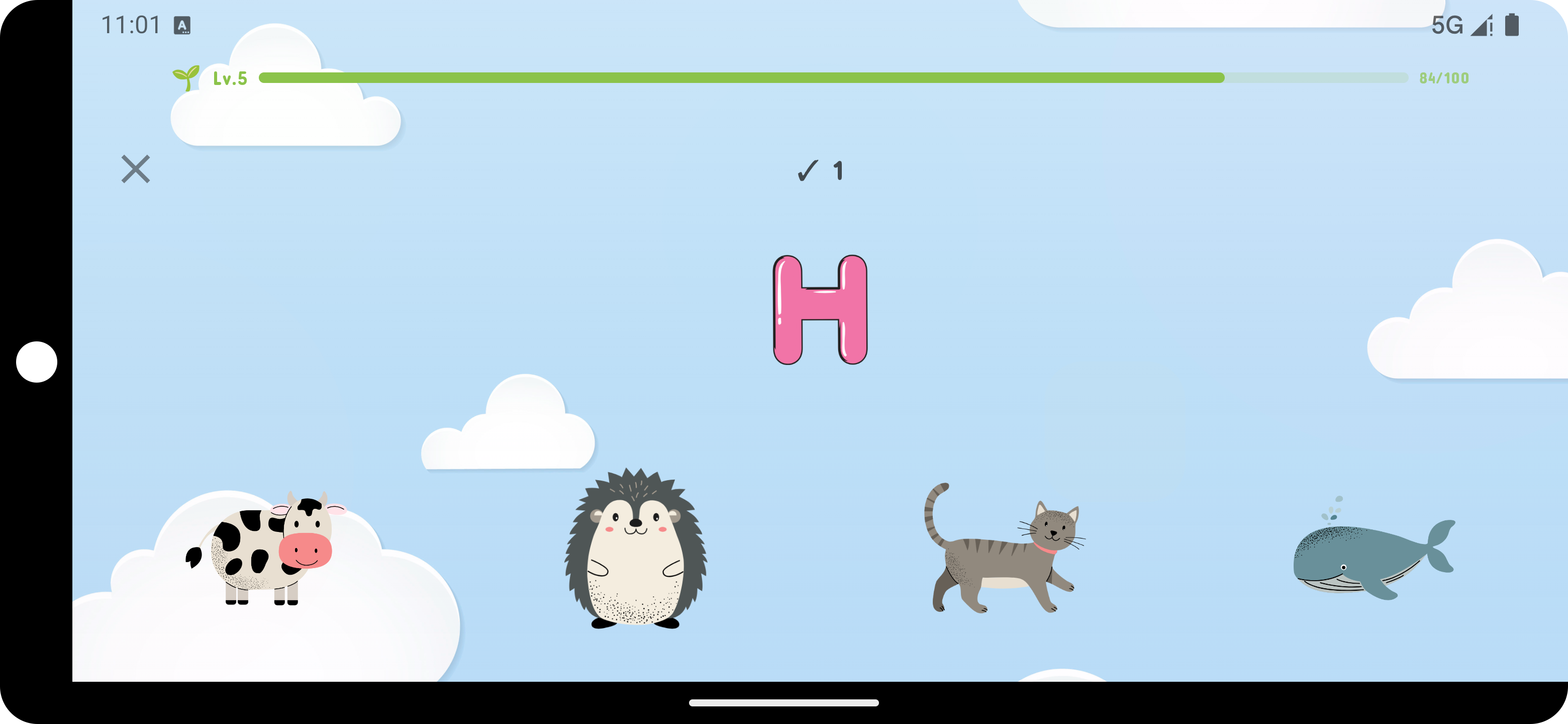 פונטיקה
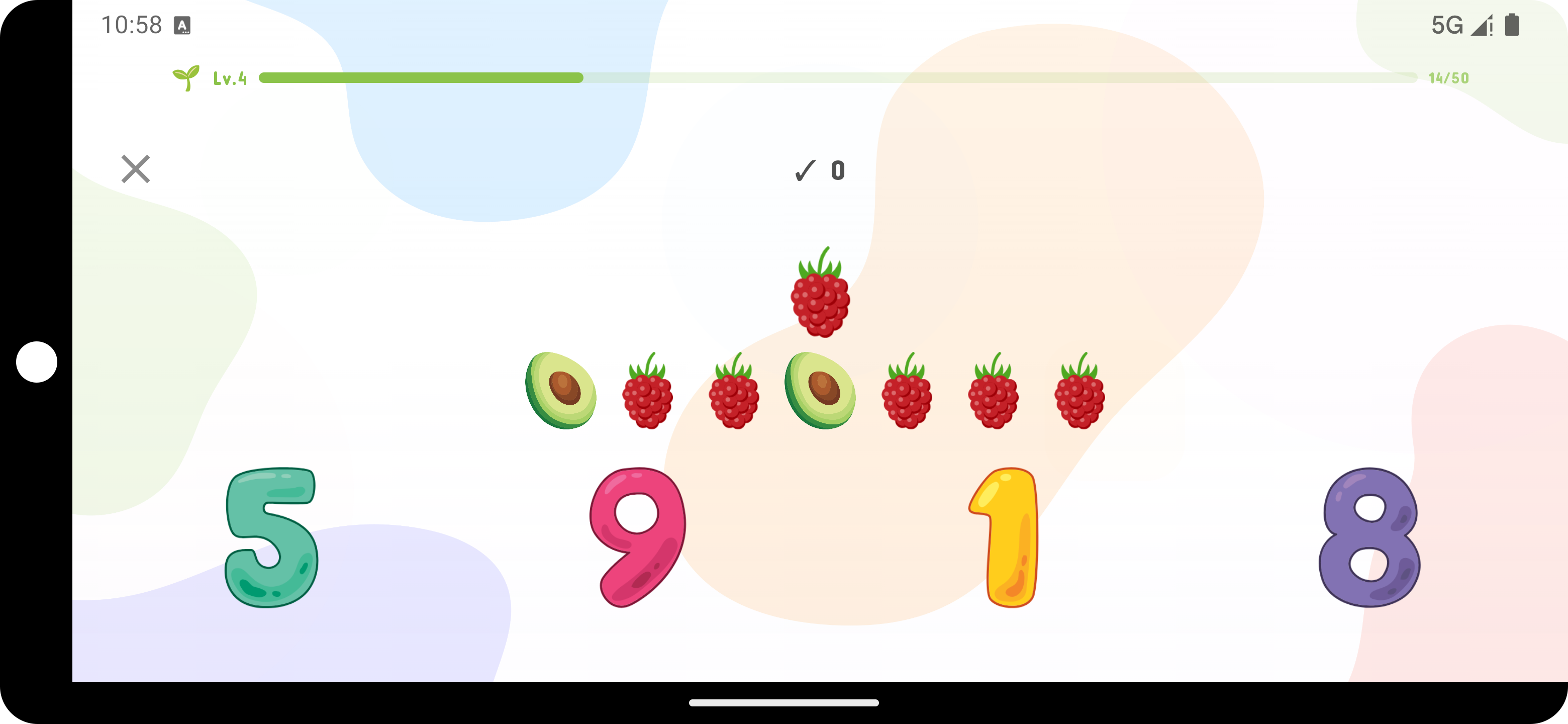 ספירה
ספירה
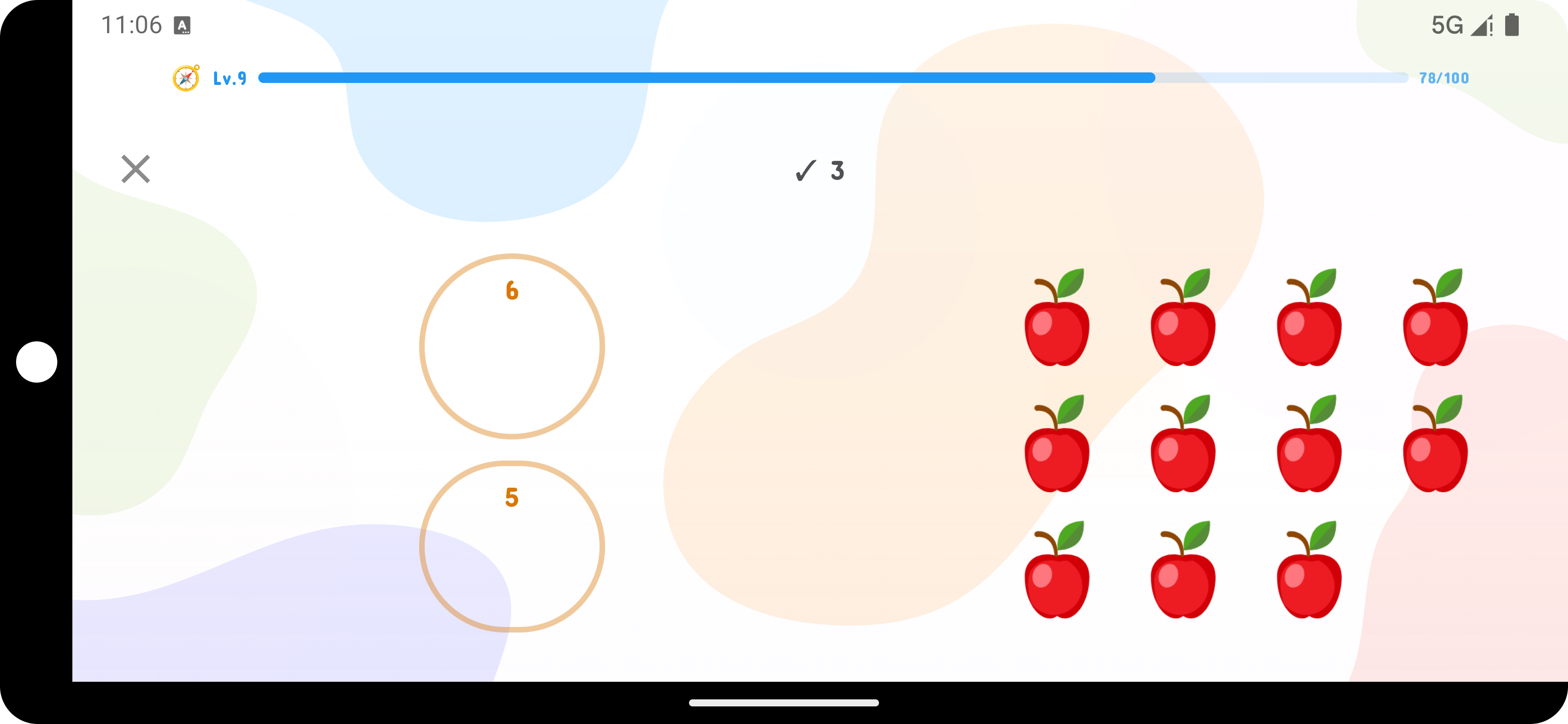 שברים
שברים
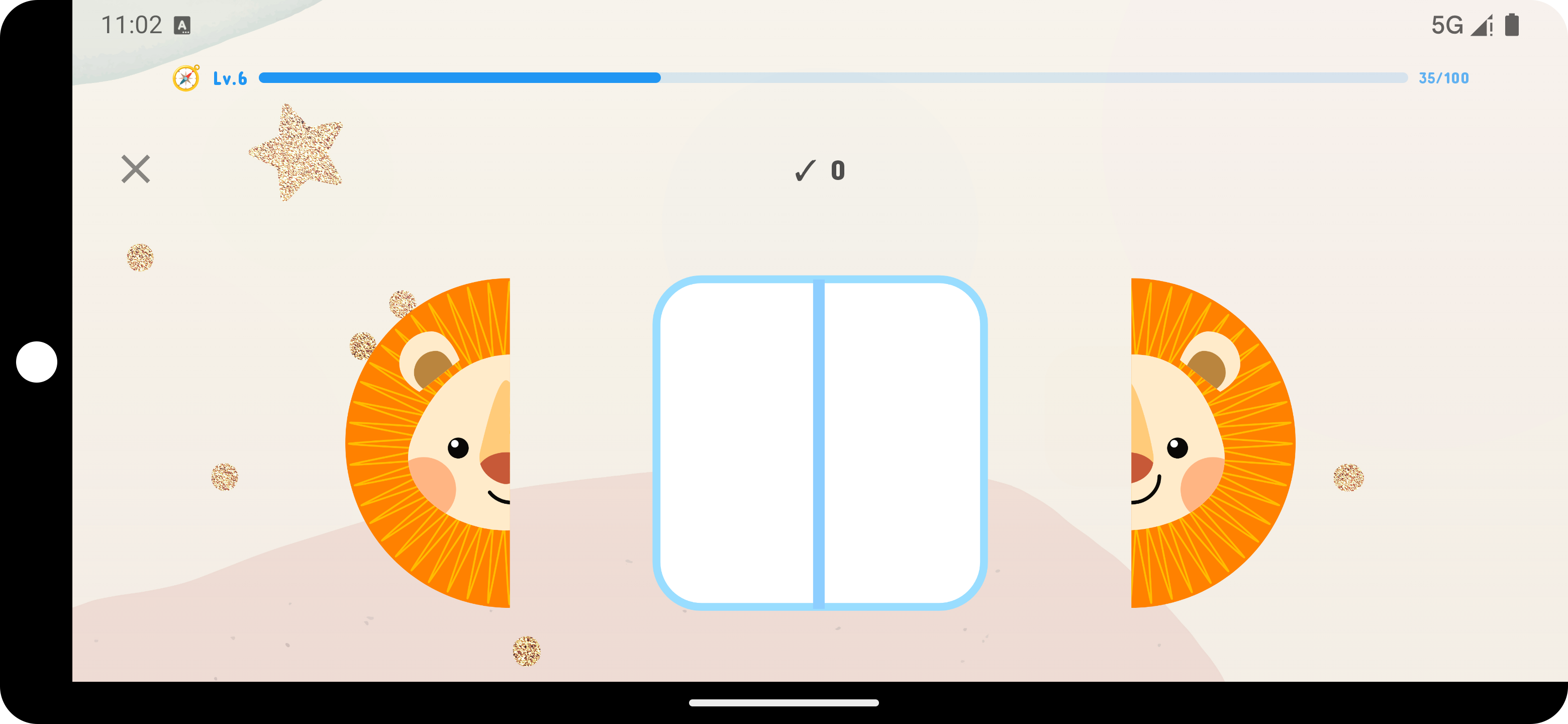 חידות חזותיות
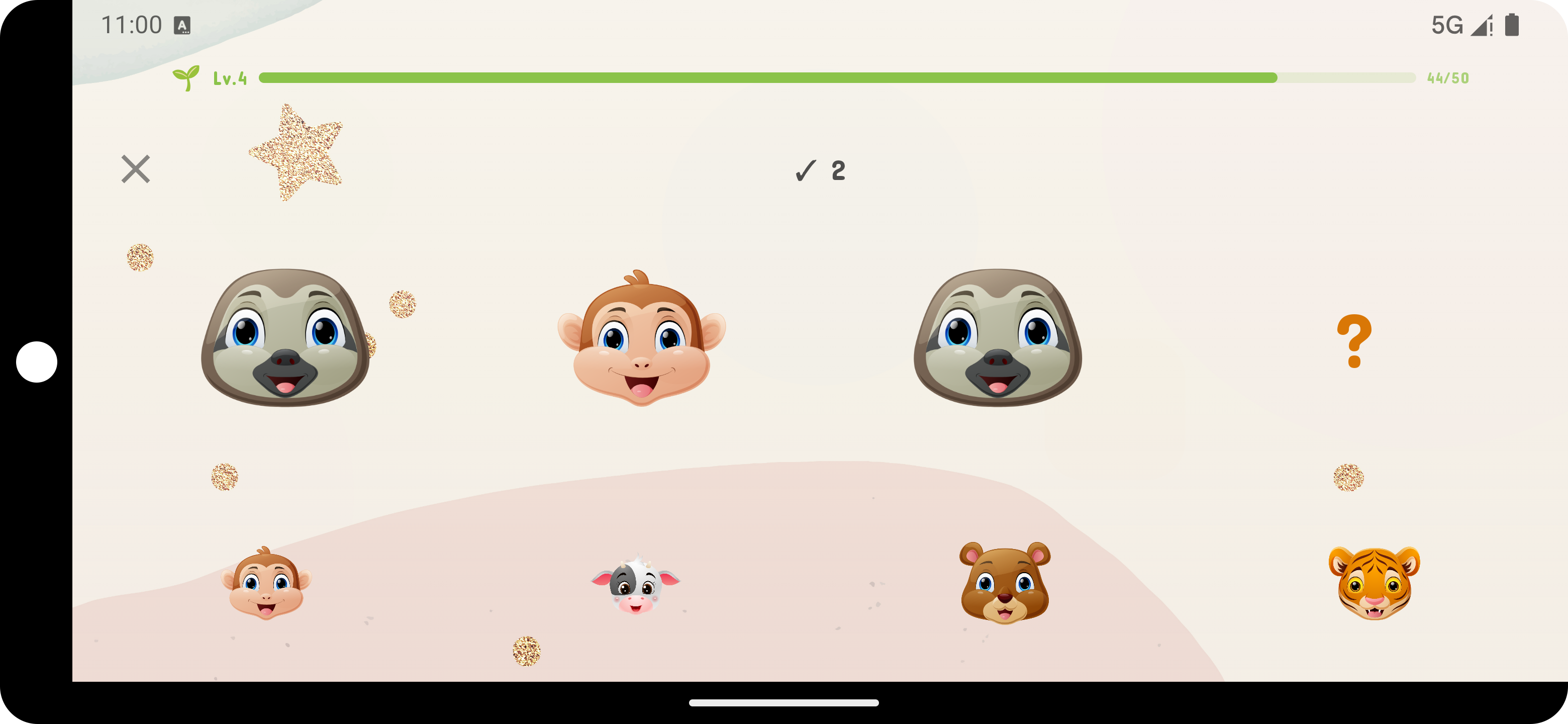 תבניות
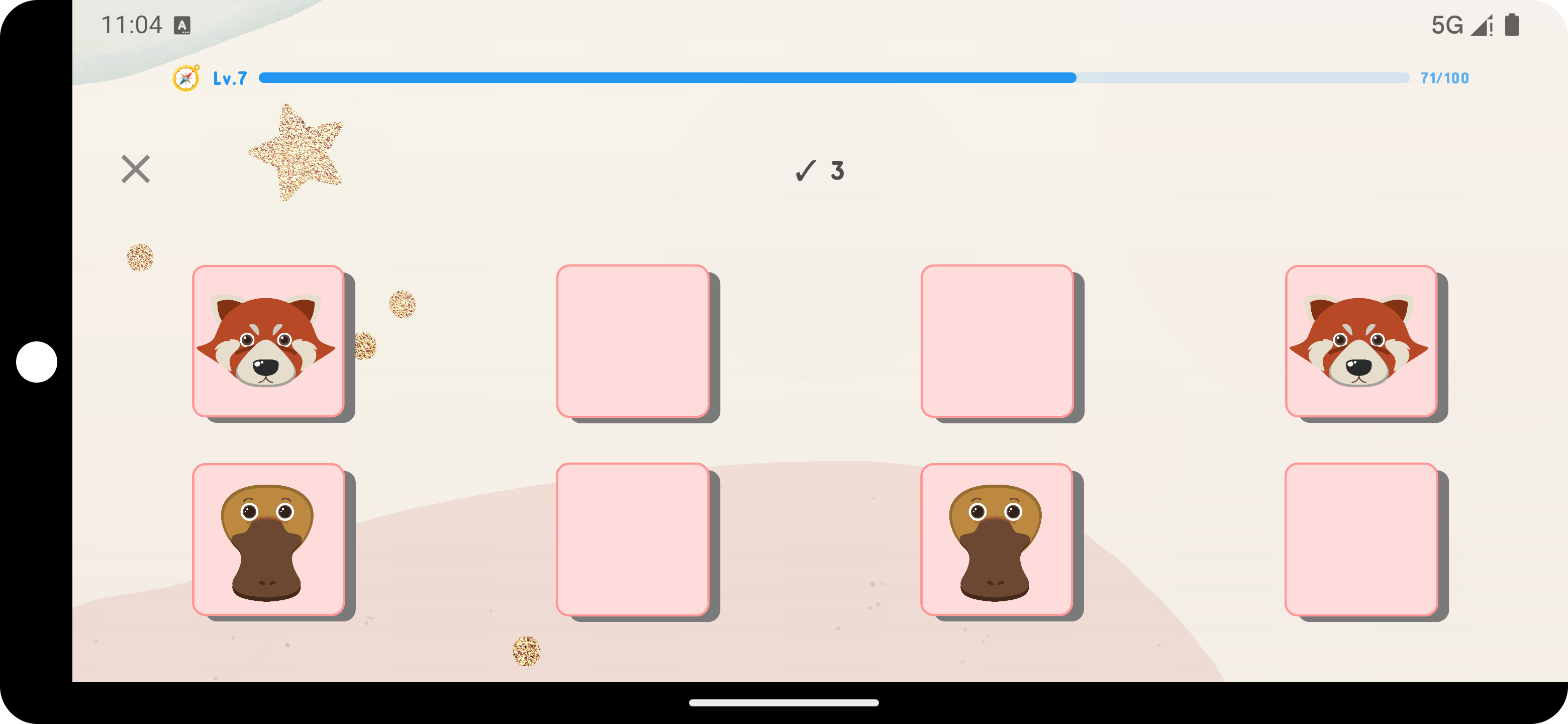 זיכרון
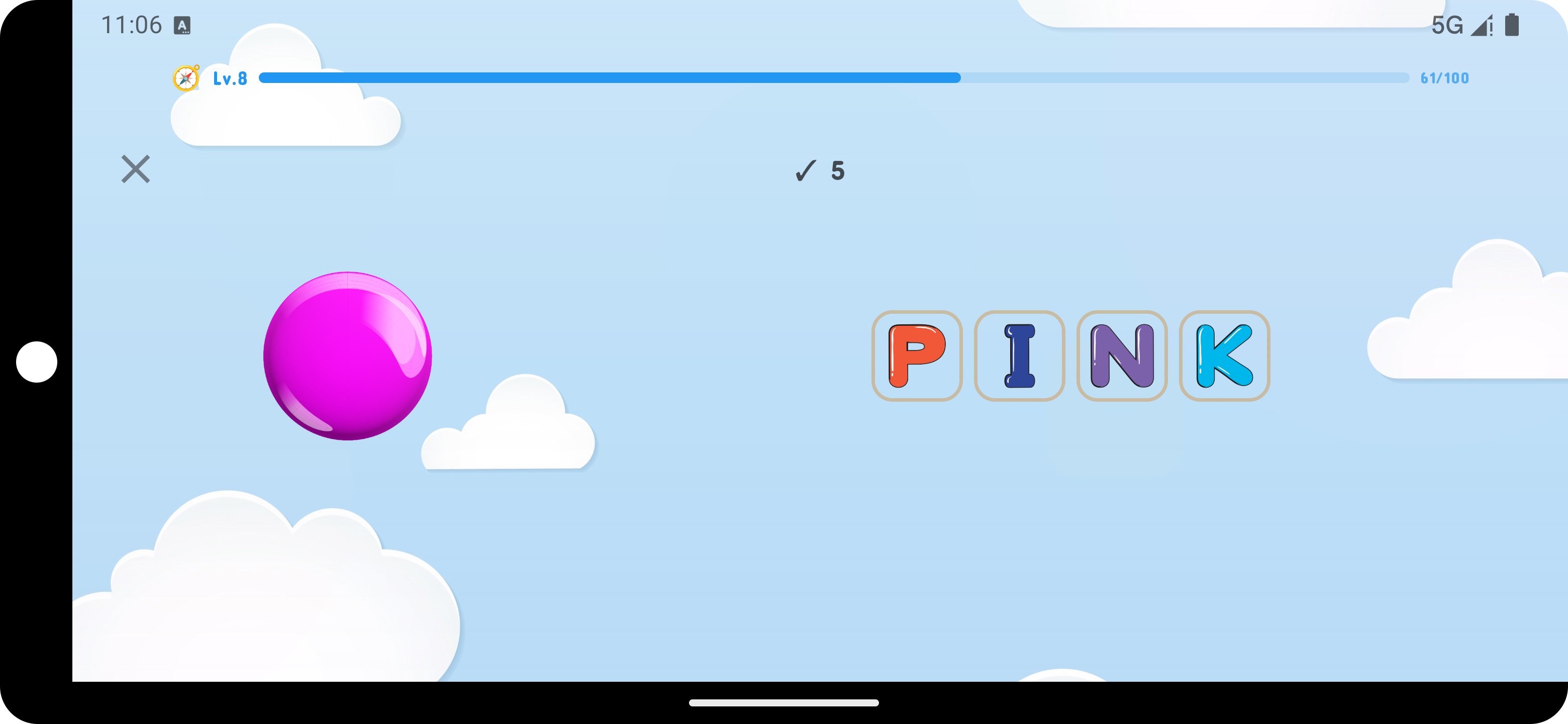 צבעים
צבעים
 נפתח!
נפתח!
כל המסלולים כוללים ניסיון של 7 ימים חינם
ביטול בכל עת
הצטרפו להורים שממירים את זמן הגלילה בתרגולי למידה